Badge
AI Report Generator Agent | Automate Data Analysis & Insights
Eliminate hours of manual data work. Learn how AI Report Generator Agents automate data collection, analysis, narrative generation, for faster, more accurate business decisions.
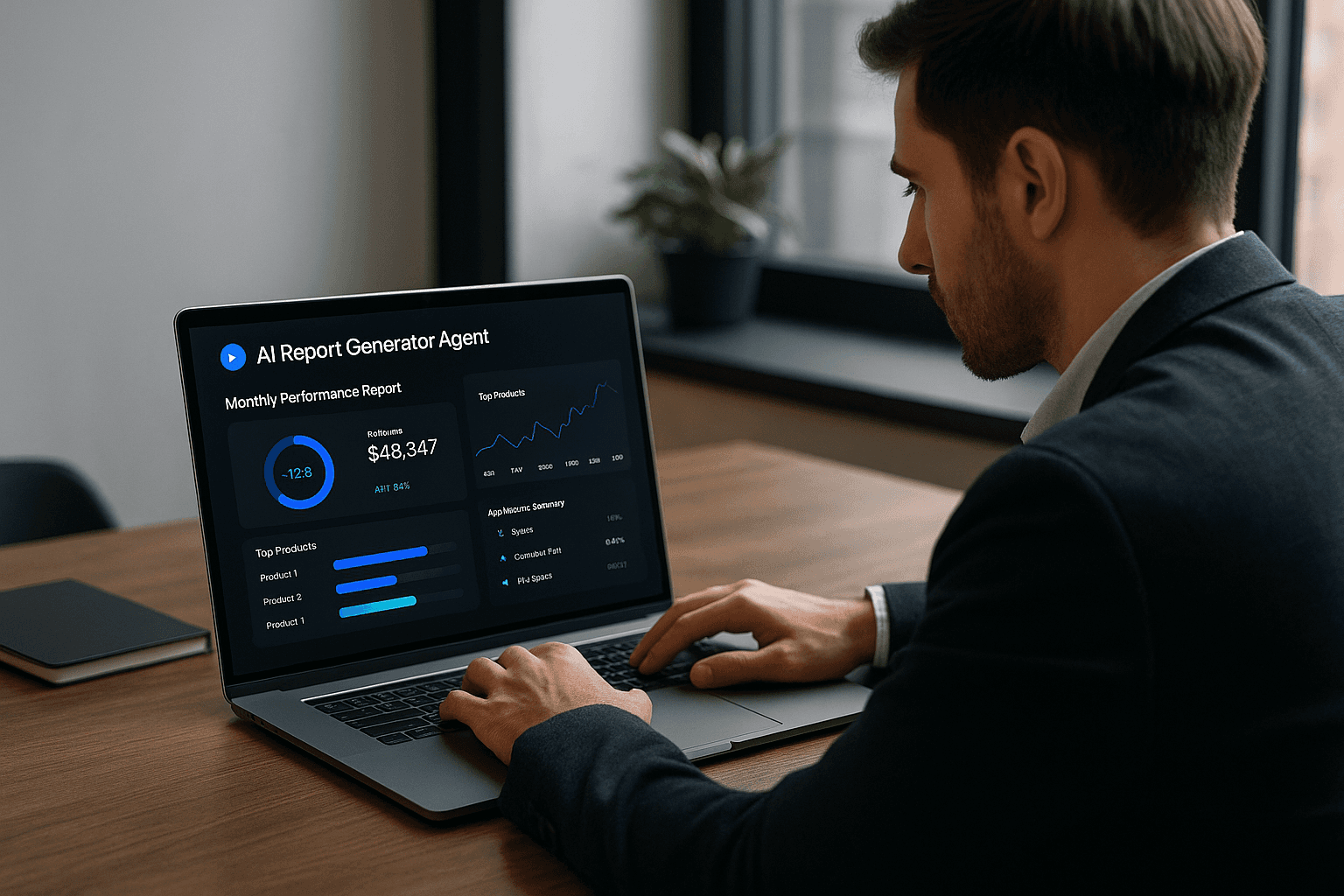
In the modern enterprise, data is the most valuable asset, yet turning raw numbers into actionable reports is often a time-consuming, error-prone, and bottleneck-ridden manual process. Teams spend days compiling spreadsheets and formatting charts, only for the insights to arrive too late.
The AI Report Generator Agent solves this problem by taking complete ownership of the reporting pipeline, from data integration to delivering a fully analyzed and narrated report to stakeholders on a set schedule. This shift moves the focus of human teams from basic data compilation to advanced strategic decision-making.
The Challenge of Delayed & Error-Prone Reporting
For large and growing companies, manual reporting creates critical operational drag:
Time Sink: Financial and operational analysts spend up to 50% of their time on data collection and reconciliation across disparate systems (ERP, CRM, spreadsheets).
Data Fragmentation: Information is scattered across different systems, making it difficult to achieve a single, consistent Source of Truth.
Delayed Insights: By the time a monthly report is ready, the data is weeks old, forcing decisions to be made on outdated information in a fast-moving market.
Human Error: Copy-pasting, miscalculations, and version control issues in spreadsheets compromise data accuracy and lead to flawed strategic choices.
The AI Agent Solution: Autonomous Data-to-Narrative Pipeline
The Report Generator Agent is an autonomous system that continuously monitors data sources and generates comprehensive reports based on pre-defined KPIs and schedules.
How it Works: The 6-Step Agent Workflow
Data Connection & Consolidation: The agent automatically connects to all designated data sources (Salesforce, SAP, Google Analytics, databases) via APIs and centralizes the raw data, eliminating manual downloading.
Cleansing and Validation: It automatically detects and corrects data anomalies, inconsistencies, and duplicates, ensuring the dataset is analysis-ready.
Autonomous Analysis: The agent applies machine learning models to the clean data, performing sophisticated calculations, anomaly detection, and trend analysis that human analysts might overlook.
Natural Language Generation (NLG): Using advanced AI, the agent converts complex data points and trends into plain-language summaries and executive narratives, making the results instantly understandable.
Visualization & Formatting: The agent selects the optimal charts and graphs (e.g., bar for categorical, line for time-series) and populates standardized templates, ready for presentation.
Scheduled Distribution: The finalized report (PDF, live dashboard link, or email summary) is automatically distributed to the correct stakeholders at the precise time requested (e.g., "Every Monday at 8:00 AM").
Key Benefits: Faster Decisions, Deeper Insight
Integrating the Report Generator Agent transforms BI from a lagging function into a real-time strategic asset:
Time Savings & Efficiency: Eliminates up to 90% of the manual effort involved in report preparation, freeing analysts to focus on strategy.
Predictive & Prescriptive Insights: AI moves beyond "what happened" (descriptive analysis) to predict future trends and recommend prescriptive actions to seize opportunities or mitigate risks.
Real-Time Decision Making: Reports are available instantly, allowing the organization to react to market changes, operational failures, or opportunities with unprecedented speed.
Unwavering Accuracy: Automation drastically reduces human error, ensuring consistent calculations, metrics, and formatting across all reports.
Deployment & Customization Options
Report Generator Agents can be deployed across any department with complex data needs:
Financial Reports: Generating monthly P&Ls, compliance reports, and rolling forecasts.
Marketing Reports: Tracking multi-channel campaign ROI, social media performance, and customer acquisition cost (CAC).
Operational Reports: Monitoring supply chain performance, inventory levels, and manufacturing efficiency (e.g., Overall Equipment Effectiveness).
Self-Service BI: Integrating with conversational interfaces so users can ask natural language questions (e.g., "Why did sales drop in the Northeast last quarter?") and receive instant, visualized answers.
AI Report Generation: Feature Comparison
This table compares the capabilities of a modern AI Agent against traditional, fixed Business Intelligence (BI) software.
Feature / Aspect | AI Report Generator Agent | Traditional BI Tool (Fixed Automation) |
Analysis | Predictive & Prescriptive (What will happen/What to do) | Descriptive (What happened) |
Narrative | Auto-generated plain language summary (NLG) | None (Only numbers/charts) |
Data Consolidation | Autonomous, real-time integration via APIs | Manual setup, often requires ETL layer |
Insight Discovery | Anomaly detection; Identifies hidden patterns | Relies entirely on pre-set human queries |
Flexibility | High; adapts report structure based on data shifts | Low; fixed rules and templates |
User Interaction | Natural Language Queries (Ask a question) | Requires technical dashboard filtering/SQL |
Frequently Asked Questions (FAQ)
Q: Can the agent create a report format specific to my board/investors?
Yes. The agent uses standardized reporting templates but can be trained to adhere to highly specific formatting, branding, and disclosure requirements unique to your board, internal departments, or regulatory bodies.
Q: Does an AI agent replace the role of a data analyst?
Absolutely not. The agent handles the data mechanic work—collection, cleaning, and preliminary analysis. It elevates the analyst to a data strategist, allowing them to focus on interpreting the AI's predictive insights, running sophisticated simulations, and driving company strategy.
Q: What security measures are needed for financial reporting agents?
Security is paramount. Agents handling sensitive data must be deployed within a secure Zero Trust Architecture, utilize end-to-end encryption, and fully comply with global data regulations like GDPR and industry-specific rules (like SOX for finance).
Q: How long does the data integration process take?
For modern, cloud-based data systems (e.g., Google Analytics, HubSpot), integration is often instant via native connectors. For legacy systems (e.g., old ERP), custom API work may be required, extending the timeline, but the one-time effort is quickly recouped through permanent automation.
Why now
Build like its 2050
You either use AI, or it uses you.
Manual Work
Long development cycles
Limited by Work Hours
High Labor Costs & Overhead
Hard to adapt, expensive to scale
Disconnected & Repetitive Work
Falling behind competitors
Build with AI
Smart, AI-Driven Decisions
24/7 Automated Workflows
Scalable & Cost-Effective
Instant Data Processing
Seamless System Integration
Consistent & Reliable Output
Our Process
Our Simple, Smart, and Scalable Process
We design and build intelligent systems using a clear, fast, and iterative process that works for startups and established teams.
Step 1
Strategic Analysis
We analyze your product, workflows, or idea to uncover where AI agents, automation, or custom development will create the highest impact.
Analyzing current workflow..
System check
Process check
Speed check
Manual work
Repetative task
Step 2
AI Development
Our expert team designs and builds the core logic, models, and automations behind your AI agents or custom app.
Step 3
Seamless Integration
We integrate your new app or AI agents into your existing tools and workflows, ensuring everything works smoothly with minimal disruption.
Our solution
Your stack
Step 4
Continuous Optimization
We provide ongoing optimization, refining your software and agents with new improvements, better accuracy, and smarter automations.
Chatbot system
Efficiency will increase by 20%
Workflow system
Update available..
Sales system
Up to date
FAQs
We’ve Got the Answers You’re Looking For
Quick answers to your AI automation questions.
What can Groath actually build?
How do I know what to build or automate first?
Do I need technical experience to work with Groath?
Can any business use AI?
What kind of support do you offer?
Lead The Way By Using AI In Your Workflow
Book a Call Today and Start Automating