Article
Jan 20, 2026
How to Choose the Right CRM in 2026 If You Plan to Use AI Agents
How to choose the right CRM in 2026 for AI agents, with practical guidance on integrations, automation, security, and scalability—so teams can support AI-driven workflows without technical debt.
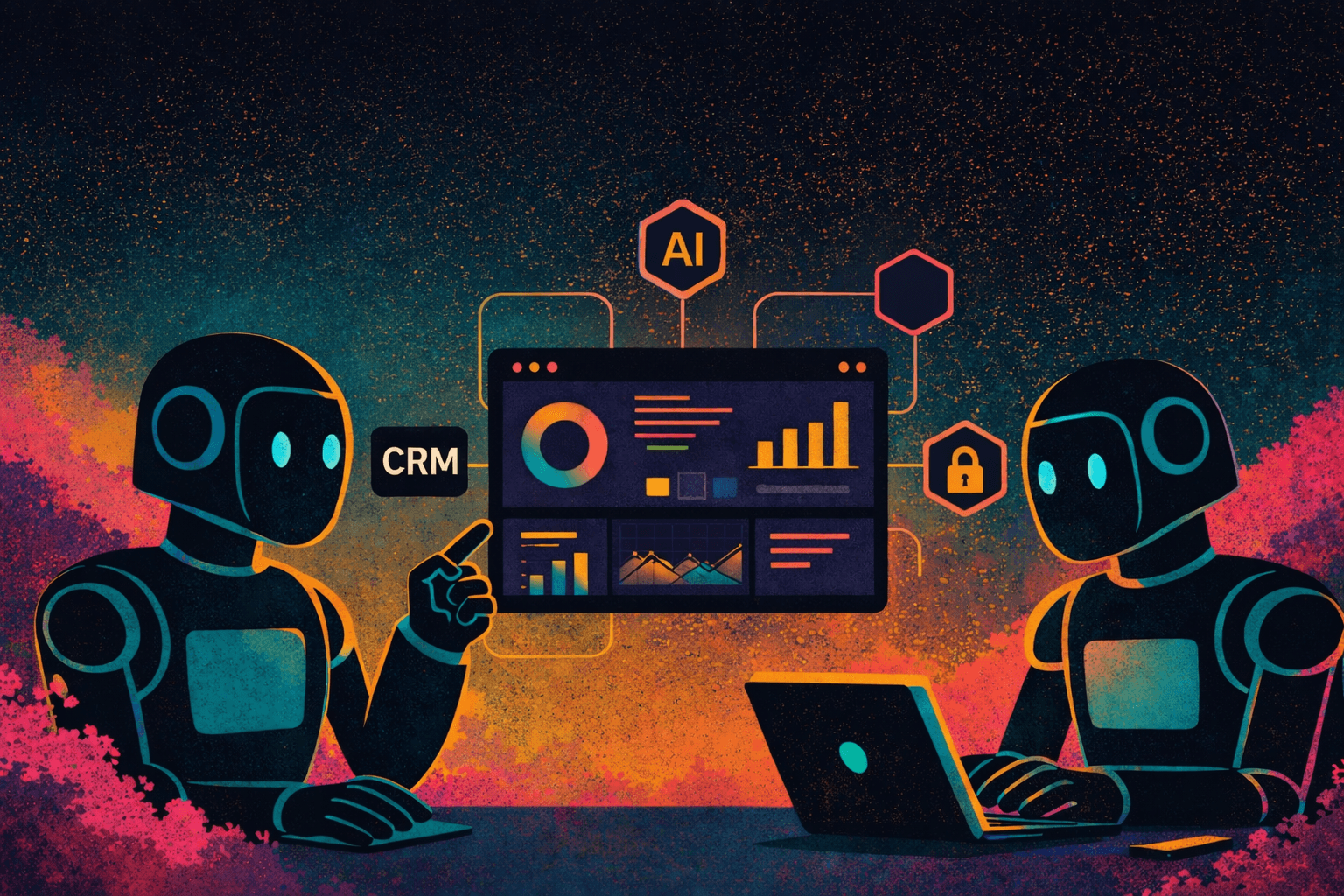
You need a CRM that lets AI agents do real work without breaking things. Pick a system that offers open APIs, strong data controls, and built-in automation so your agents can access data, act on it, and stay compliant. Choose a CRM with easy integration, clear permission controls, and reliable automation to make AI agents useful and safe for your team.
Think about how the CRM handles data flow, scaling, and vendor support before you commit. Compare real-world integrations, test automation with sample agents, and confirm the vendor’s roadmap so the platform can grow with your needs.
Key Takeaways
Prioritize CRMs with strong integration and API access.
Verify security, permissions, and scalability for AI-driven work.
Test automation and vendor roadmaps before committing.
Key CRM Features for AI Agents
You need a CRM that connects clean data, fast processing, and flexible AI tools. Focus on how the CRM handles integrations, automation, model customization, and live data flow.
AI Integration Capabilities
Look for native AI APIs and prebuilt connectors to major LLMs (OpenAI, Anthropic, Azure OpenAI) and vector stores (Pinecone, Milvus). The CRM should support token control, rate limits, and secure key management so you can swap models without breaking workflows.
Check for webhook support, SDKs (JavaScript, Python), and a no-code connector library for popular apps like Slack, Gmail, and Zendesk. Verify OAuth and role-based access for third-party connections. Confirm the CRM logs API calls and usage metrics so you can monitor costs and debug agent behavior quickly.
Automation Tools and Workflows
Choose a CRM with a visual workflow builder that supports branching, retries, and scheduled triggers. You should be able to call AI agents inside flows, pass structured data, and handle agent responses with conditional logic and error paths.
Ensure the system supports event-driven automation (webhooks, message queues) and batch jobs for background tasks. Look for built-in testing and versioning for flows so you can stage changes safely. Also check for audit trails, retry policies, and clear timeout settings to prevent stuck agents.
Customizable AI Models
Your CRM should let you fine-tune or prompt-tune models with customer data, canned responses, and company style guides. Look for tools to upload CSVs, embeddings, and labeled examples to train retrieval-augmented generation (RAG) pipelines.
Verify you can set safety filters, profanity rules, and response length limits per use case. The CRM should offer model fallbacks and confidence scores so you can escalate low-confidence outputs to humans. Ensure you can manage model versions and roll back to prior checkpoints easily.
Real-Time Data Processing
Pick a CRM that supports streaming updates and low-latency queries for live agent interactions. It should ingest events from your sources within seconds and update contact records, conversation state, and AI context in real time.
Confirm support for incremental syncs, CDC (change data capture), and memory stores for conversational context. The CRM should let you query recent activity with sub-second reads and maintain consistency across dashboards. Also check throughput limits and SLA options if you need high concurrency.
Evaluating CRM Compatibility and Scalability
Check how the CRM will connect with your current tools, handle more users and data, and protect customer information. Focus on concrete integration options, growth limits, and specific security features.
Integration With Existing Systems
List the systems you use now: marketing automation, billing, support, ERP, and identity providers. Check if the CRM has native connectors for those products or a low-code integration platform. Native connectors reduce setup time; APIs and webhooks give more control but need developer work.
Ask for a demo of syncing workflows: contact fields, deal stages, and custom objects should match without duplicate records. Confirm support for real-time sync (webhooks) if agents need up-to-date context. Verify single sign-on (SAML/OIDC) and SCIM for user provisioning to keep account access consistent.
Create a short matrix with systems vs. integration type (native, connector, API). Prioritize vendors that publish clear API rate limits and SDKs in your main coding language.
Scalability for Growing Teams
Decide expected growth over 12–36 months: users, contacts, and daily API calls. Request vendor limits for users, records, and API throughput and examples of customers at your scale. Some CRMs charge per-seat; others tier by usage. Calculate monthly cost at 2x and 5x current size.
Check multi-region deployment if you expand internationally. Ask whether performance tuning, sharding, or read replicas are available for large contact databases. Confirm how background jobs and AI agent workloads are scheduled to avoid throttling.
Test with a pilot dataset that mimics production volume. Measure page load times, bulk-import speed, and API latency under concurrent agent activity. Get SLA terms for uptime and a clear escalation path for urgent scaling issues.
Data Security and Privacy Measures
Verify data residency and encryption standards. Ensure the CRM uses AES-256 for data at rest and TLS 1.2+ for data in transit, and supports customer-managed keys (CMKs) and field-level encryption for sensitive data.
Confirm compliance with SOC 2 Type II, ISO 27001, GDPR, CCPA, and HIPAA where applicable. Review recent audit reports, penetration test summaries, and ensure strong logging, audit trails, and role-based access control for both AI agents and users.
Evaluate backup and retention policies, including clear RTO and RPO targets, along with a documented breach notification process and incident response plan.
Comparing Top CRM Solutions for 2026
This section compares CRMs based on built-in AI, support for third‑party AI agents, and how easy they are to use. You’ll see which platforms give ready AI features, which let you plug in agents, and what the user experience feels like.
Leading Platforms With Built-In AI
Salesforce, Microsoft Dynamics 365, Zoho, and HubSpot lead with native AI features in 2026. Salesforce Einstein offers workflow automation, predictive lead scoring, and conversational agents tied to Sales Cloud and Service Cloud. Microsoft Copilot for Dynamics gives embedded copilots that summarize records and generate emails. HubSpot AI focuses on content generation, deal insights, and simple chatbots for marketing and sales.
Focus on data residency, model transparency, and governance when choosing these. Check whether the built‑in models support fine‑tuning on your data. Verify SLAs for latency, uptime, and data deletion. Confirm pricing for AI usage—many vendors charge per API call or token.
Third-Party AI Agent Support
Look for CRMs with open APIs, webhook support, and marketplace integrations if you plan to use external agents like LangChain tools, RaaS platforms, or custom LLMs. Zoho CRM and Pipedrive offer flexible APIs and webhook event streams that let you route events to external agents for real‑time task execution.
Evaluate auth methods (OAuth2, API keys), rate limits, and event latency. Test how agents access CRM data: read-only vs. write privileges matter for safety. Ask if you can log agent actions back into the CRM and if audit trails are available. Prefer vendors that support secure secrets management and tenant isolation.
User Experience and Interface
You need a clean, fast interface for AI agent workflows. Look for visual workflow builders, drag‑and‑drop bot designers, and low‑code connectors. Platforms like HubSpot and Salesforce Lightning offer visual builders that let non‑developers map agent steps and decision paths.
Check mobile app parity—can agents run and show insights on phones? Also test how the UI surfaces AI suggestions: inline cards, email drafts, or activity prompts. Prioritize CRMs that let you customize trigger rules and notification channels without code. Confirm training resources and in‑app help to shorten user onboarding.
CRM Evaluation Checklist for AI-Ready Teams (2026)
Evaluation Area | What to Look For | Why It Matters for AI |
API & Integrations | Open APIs, webhooks, SDKs, OAuth | Allows AI agents to read/write data safely and in real time |
Automation Engine | Visual workflows, branching logic, retries | Enables AI agents to act, recover from errors, and scale tasks |
Data Processing | Streaming updates, CDC, low-latency queries | Keeps AI context fresh and prevents outdated decisions |
Model Customization | Prompt tuning, RAG support, model versioning | Aligns AI outputs with company data and tone |
Security & Permissions | RBAC, audit logs, CMKs, encryption | Prevents over-permissioned agents and compliance risks |
Scalability | API throughput limits, background job handling | Ensures agents don’t break when usage or data grows |
Groath helps companies design and implement AI-powered software, CRM integrations, and workflow automation that enable AI assistants to operate inside real business processes. By focusing on clean data flows, stable integrations, and structured automation, teams can scale AI use cases without replatforming or creating technical debt—turning the CRM into a foundation for growth instead of a bottleneck.
FAQs about AI and CRMs
Can any CRM support AI agents?
Not all CRMs are suitable. AI agents require open APIs, real-time data access, strong permission controls, and flexible automation. Many legacy CRMs lack the infrastructure needed for safe, scalable AI use.
Do I need to change my CRM to use AI effectively?
Not always. Some CRMs can be adapted through integrations and automation layers, but others may limit AI adoption due to closed systems or rigid workflows.
What’s the biggest mistake companies make when choosing a CRM for AI?
Focusing on brand recognition instead of integration depth and data structure. AI depends more on system design than surface-level features.
How long does it take to make a CRM AI-ready?
For most teams, preparing a CRM for AI—cleaning data, configuring permissions, and setting up workflows—takes a few weeks to a few months, depending on complexity.
Is security more important when using AI in a CRM?
Yes. AI agents can act at scale, so strict role-based access, audit logs, and encryption are critical to prevent data exposure or unintended actions.
FAQs
We’ve Got the Answers You’re Looking For
Quick answers to your AI automation questions.
How can AI automation help my business?
Is AI automation difficult to integrate?
What industries can benefit from AI automation?
Do I need technical knowledge to use AI automation?
What kind of support do you offer?
Let AI do the Work so you can Scale Faster
Let's get to work on the future of your company.